

This Step-by-Step iTax Tutorial explains How To Verify Mobile Number on iTax, providing clear and detailed guidance through each step of the process from start to finish, helping you Verify Mobile Number on iTax in a few minutes.
Get your KRA PIN Number and KRA PIN Certificate in 3 minutes.
Amount:
Kshs. 200
Requirements Needed To Verify Mobile Number on iTax
To be able to successfuly verify Mobile Number on iTax (KRA Portal), you need to have with you the following two main requirements:
- KRA PIN Number or ID Number
- iTax Password (KRA Password)
- New Mobile Number
Once you have the above two requirements, you will be able to verify Mobile Number on iTax in a few minutes by following the steps outlined below.
How To Verify Mobile Number on iTax
To successfully Verify Mobile Number on iTax, follow the steps outlined below.
Step 1: Visit iTax

The first step in the process of How To Verify Mobile Number on iTax is to visit – https://itax.kra.go.ke/KRA-Portal/
Step 2: Log in to iTax

Next, enter KRA PIN Number or ID Number, click on the “Continue” button, enter iTax Password (KRA Password), solve the arithmetic question (security stamp) and click on the “Login” button to access your iTax account.
Step 3: Enter Mobile Number

Once logged into iTax, you will see the notification “Mobile Number must be verified in order to access iTax functionalities.” At this point, if the mobile number displayed is yours, you can go ahead and click on the “Send Verification Code” button. If you want to add your new mobile number, just delete that mobile number and enter the new one that you want to use on iTax.
Step 4: Enter OTP Sent To Mobile Number

Next, check your phone for an SMS containing the OTP verification code that has been sent by Kenya Revenue Authority (KRA). Enter the OTP verification code and click on the “Submit” button.
Step 5: Mobile Number Verified Successfully

Once you have entered the OTP sent to your mobile number, you will have now successfully verified mobile number on iTax. You can now access iTax and use the various features and functionalities available in your account.

Cyber.co.ke is an Authorized Ushuru Mashinani Service Partner offering KRA Services online, to customers across Kenya on a daily basis. If you need our help, send us an Email using: [email protected] or chat with us on WhatsApp using: 0723 737 740.
Chat on WhatsApp
0723 737 740

Send an Email
[email protected]

Submit KRA Services Request


Submit KRA Services Request

Submit KRA Services Request
Professional KRA Services Assistance
If you need Professional Assistance with Kenya Revenue Authority (KRA) online services, Cyber.co.ke is an Authorized Ushuru Mashinani Service Partner offering KRA Services online, to customers across Kenya on a daily basis. Our goal is to make accessing and getting KRA Services in Kenya easier, faster and more convenient to all customers.
At Cyber.co.ke, you can access a wide range of KRA Services including: KRA Individual Services, KRA Returns Services and KRA Taxpayer Services. Our online platform brings the support you need together in one convenient place. We are available 24/7, ensuring that whenever you are looking for KRA Services in Kenya, you can count on us to assist you conveniently.
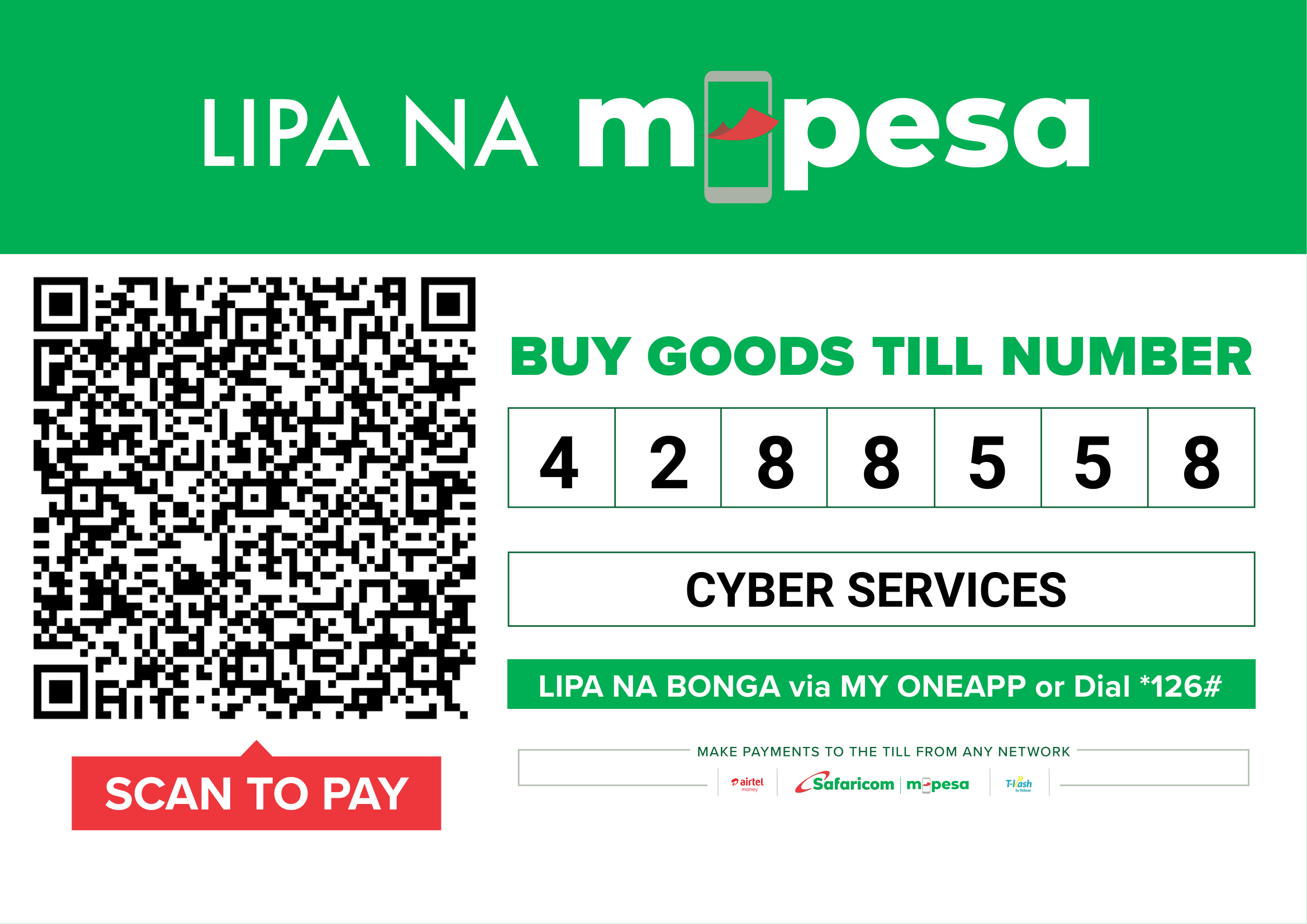
Make managing your KRA tax obligations in Kenya much easier with Cyber.co.ke today. Explore our available online KRA Services, select the service that you need, submit your KRA Services request online and make payment using Lipa na M-PESA Till Number: 4288558. Our simple process is designed to help you get Professional KRA Services Assistance online in 3 minutes.